
A familiar customer with a new problem
We'd previously installed a UniFi whole-home Wi-Fi system for this homeowner. After moving to a new property near Winchester, she faced a different problem: unreliable FTTC broadband delivering less than 10 Mbps.
Her son arranged a Starlink installation at his flat in the separate outbuilding, where he used the connection for gaming. It brought faster internet to the property, but left the main house dependent on an indoor Cat5e cable running beneath the driveway.
The connection failed shortly after the driveway was chemically cleaned and sealed. Deterioration of the unsuitable cable was suspected, although the precise cause wasn't confirmed. The main house had lost access to its only viable broadband service.
Moving Starlink to where it was needed
Rather than simply replacing the failed cable, we surveyed the whole property. A new external-grade cable was an option, but installing it beneath the newly finished driveway could have meant disturbing the surface.
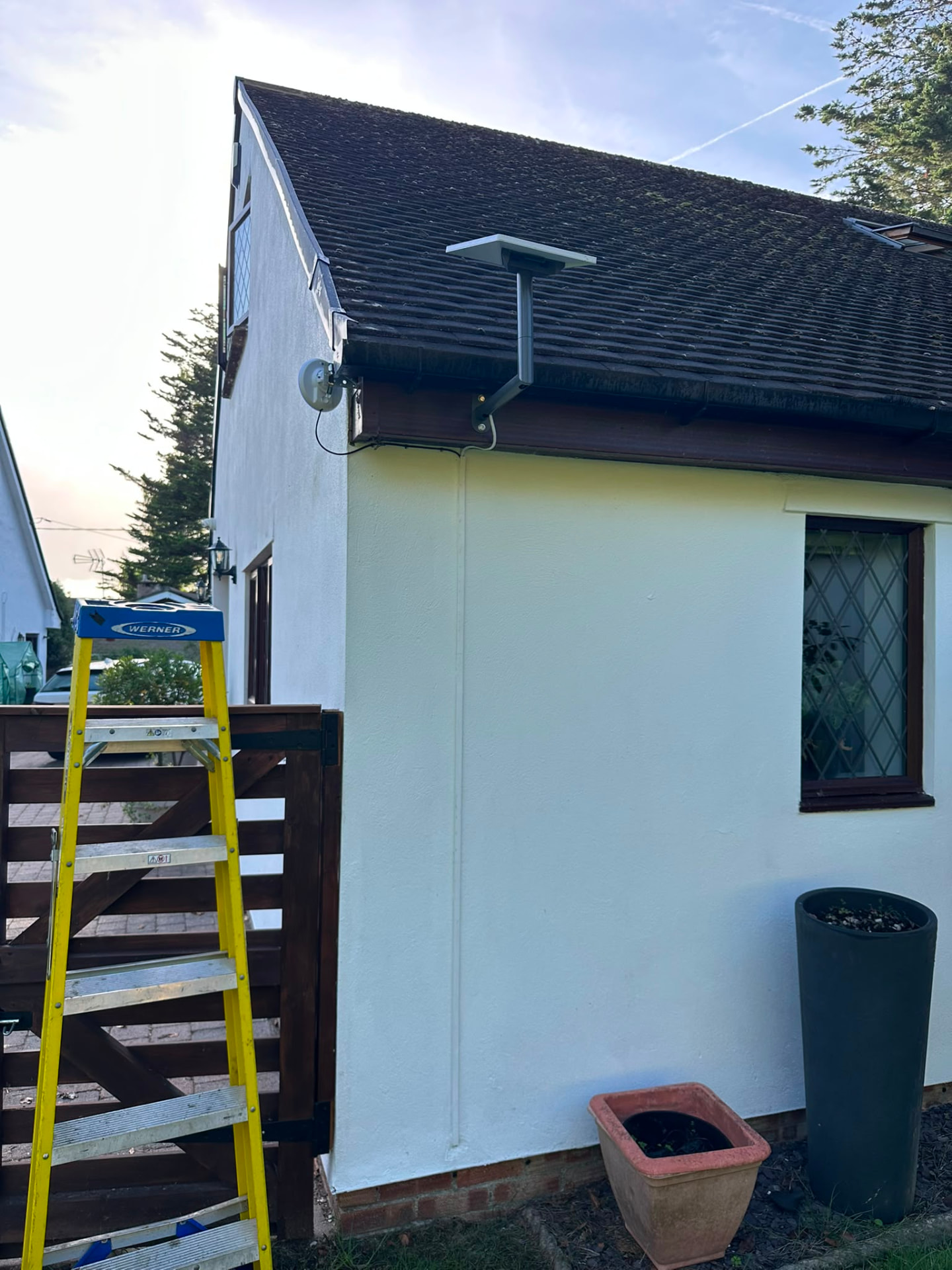
Instead, we relocated the existing Starlink dish to a suitable position on the main house with a clear view of the sky. We configured the Starlink router in Bypass Mode so it feeds directly into a UniFi Dream Router, which manages the home's network and internet connection.
Crossing the driveway without digging it up
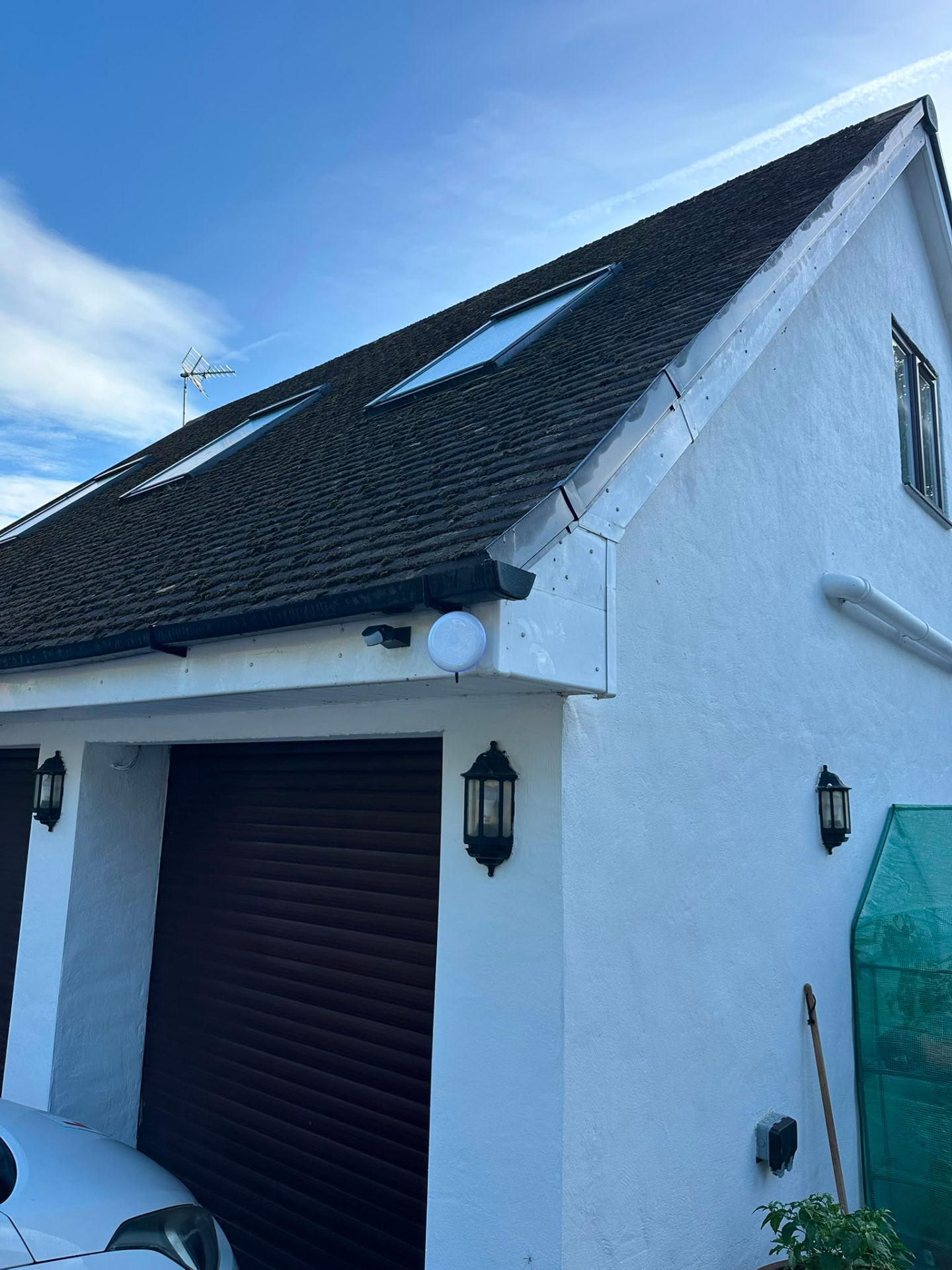
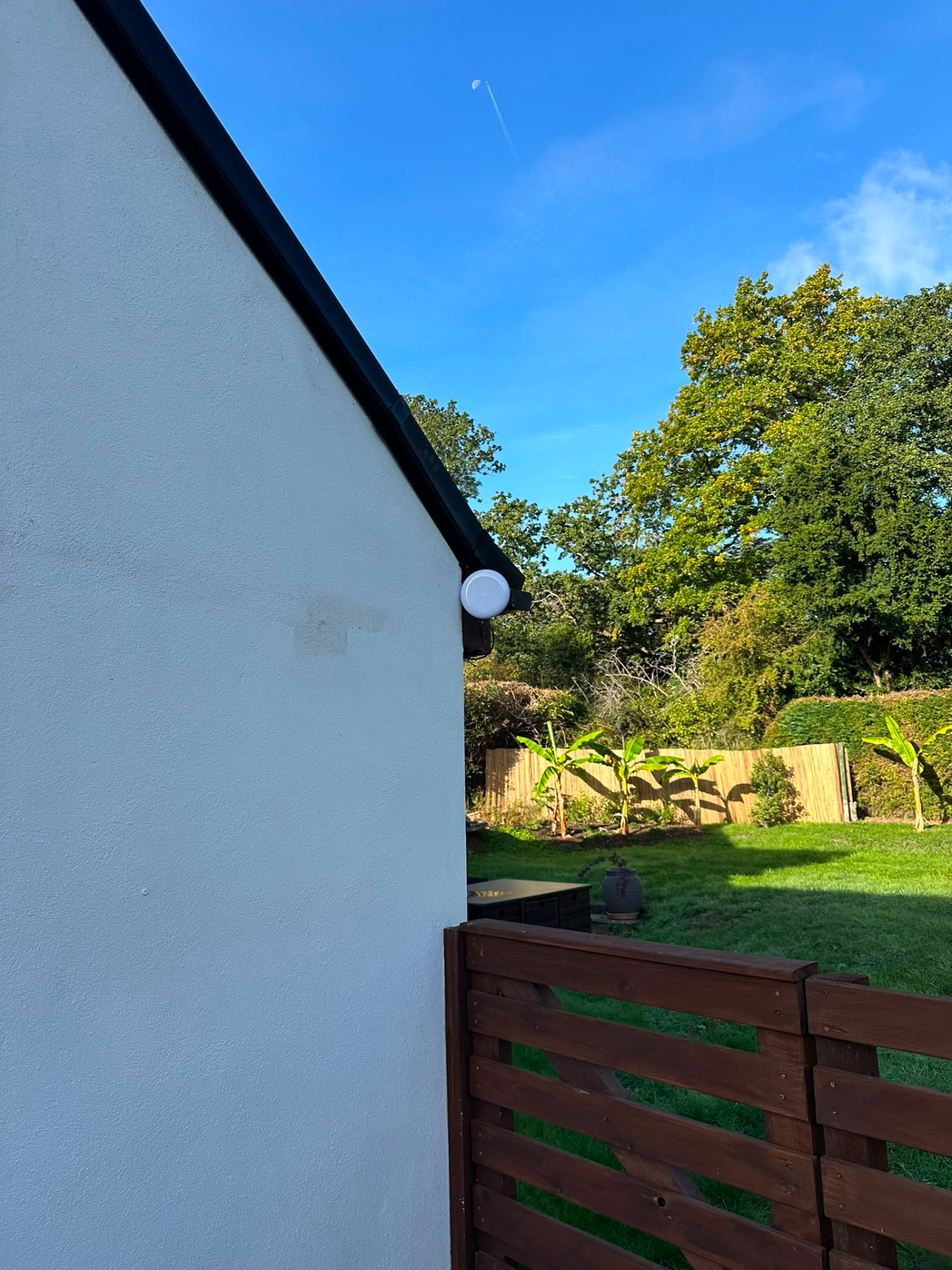
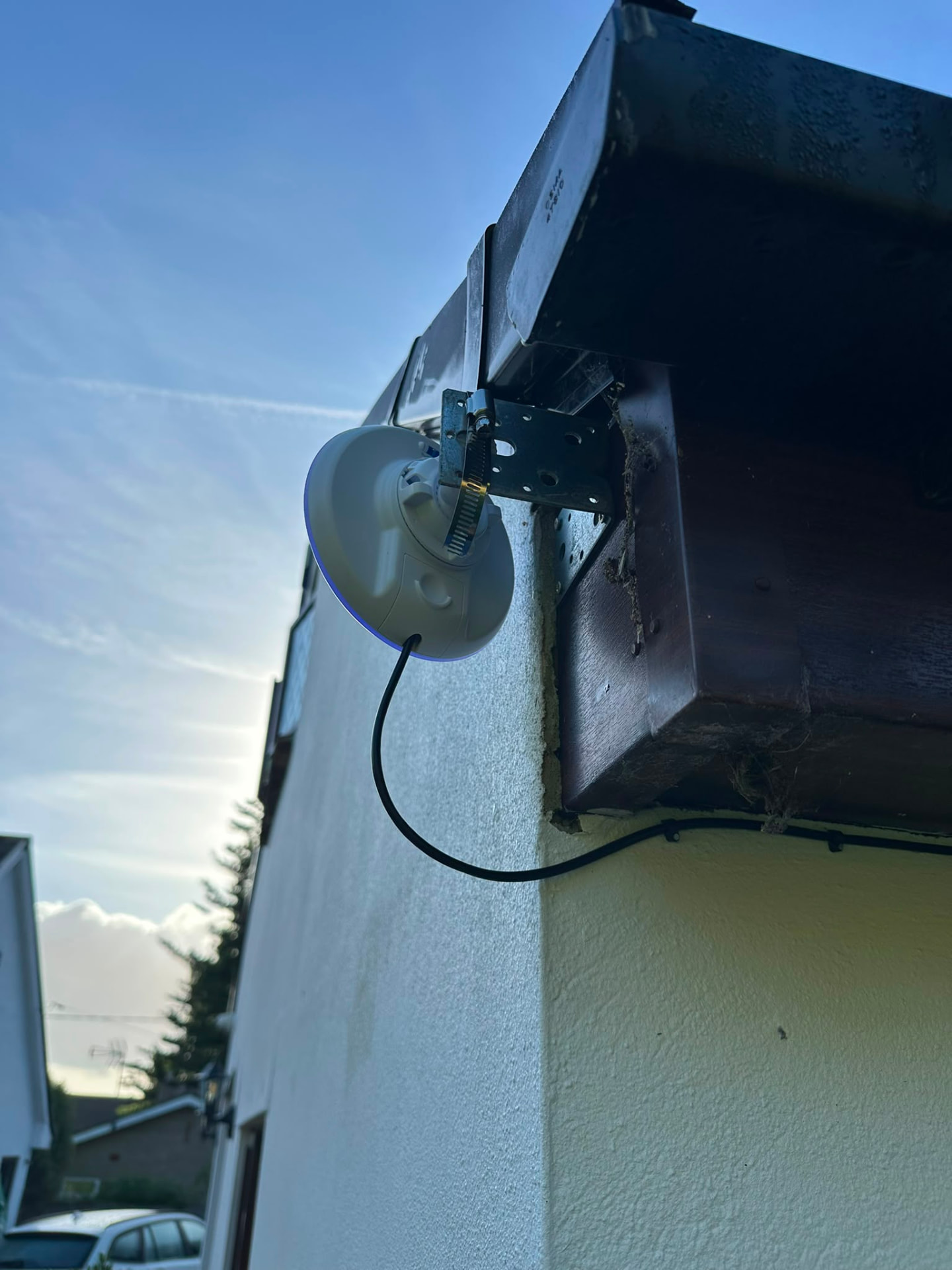
A UniFi Building Bridge creates a dedicated point-to-point wireless link between the main house and the son's flat and garage approximately 20 metres away. The outbuilding is part of the same network again, without a cable crossing the driveway.
The flat and garage currently use wired connections at the far end of the bridge. If Wi-Fi is needed there later, an access point can be added without redesigning the rest of the system.
Reusing equipment, not replacing it unnecessarily
We reused the UniFi equipment the homeowner had already purchased from us for her previous property.
Her existing UniFi Express devices now work with the new Dream Router to provide Wi-Fi throughout the main house, including the home office. New investment was focused on the actual problems: relocating Starlink, rebuilding the core network and reconnecting the outbuilding.
One network, with ongoing support
Starlink provides the broadband connection; UniFi distributes it around the property. There is no separate Starlink Wi-Fi network to manage, and no unsuitable cable beneath the driveway.
The installed network is remotely monitored by our sister company ARK Assist, providing ongoing technical support when needed. Completed in October 2026, the wireless link has operated reliably since installation, although the system is still new.
Ongoing monitoring and support from ARK Assist